Yoga Tea And Meet Online Tuesday Evenings and Friday Lunchtimes
Yoga Tea and Meet Online
If you have signed up for our yoga courses and class passes this term then you are very welcome to our twice weekly Yoga Tea and Meet Chats.
We are meeting on Tuesday evenings at 8.35pm after our Tuesday 7.15 pm yoga class; and also at 10.35am after our Friday 9.30am yoga class. Grab a tea/wine and click the meeting link. Full instructions are below, showing you what you need to join in.
I have missed you all, so I’m hoping we can stay connected while we stay at home. There are bound to be some teething problems as we all get started, so I’m running some test tea meet ups next week. I’ll be sending you an invitation soon! Thank you. Faye x
#StayConnected #StayHome #Let’sChat

What You’ll Need To Use Google Meet
- A Google Account.
- Google Meet App and Google Meet Grid View App, for Chrome (if you’d like to see all attendees)
- A computer or phone with a camera and microphone.
- An Internet or data connection.
How To Join A Meeting
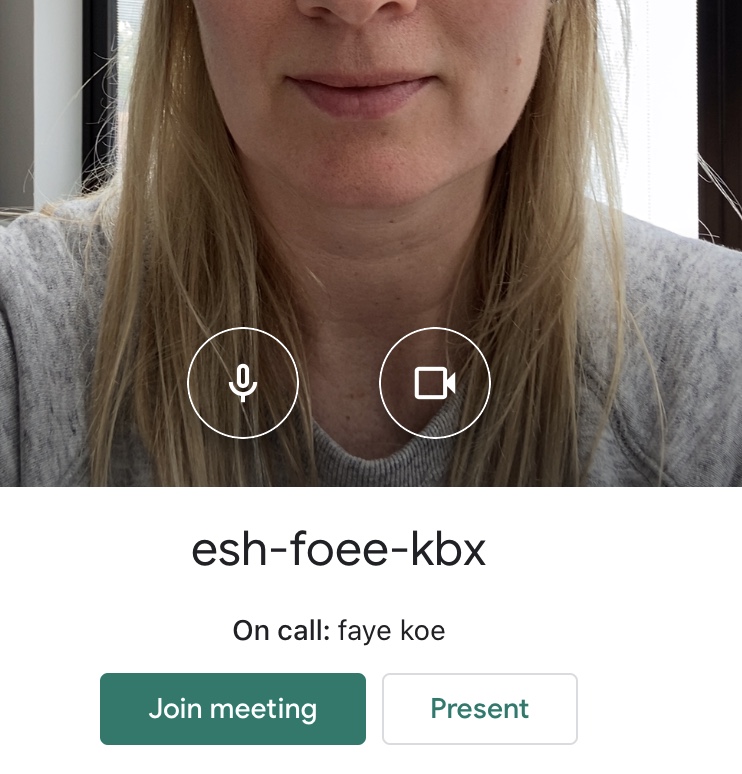
I will send you an email inviting you to the meeting. Click on “Join Meeting” and it will take you straight there.

If you haven’t used the app you can open the Meet by Google app.
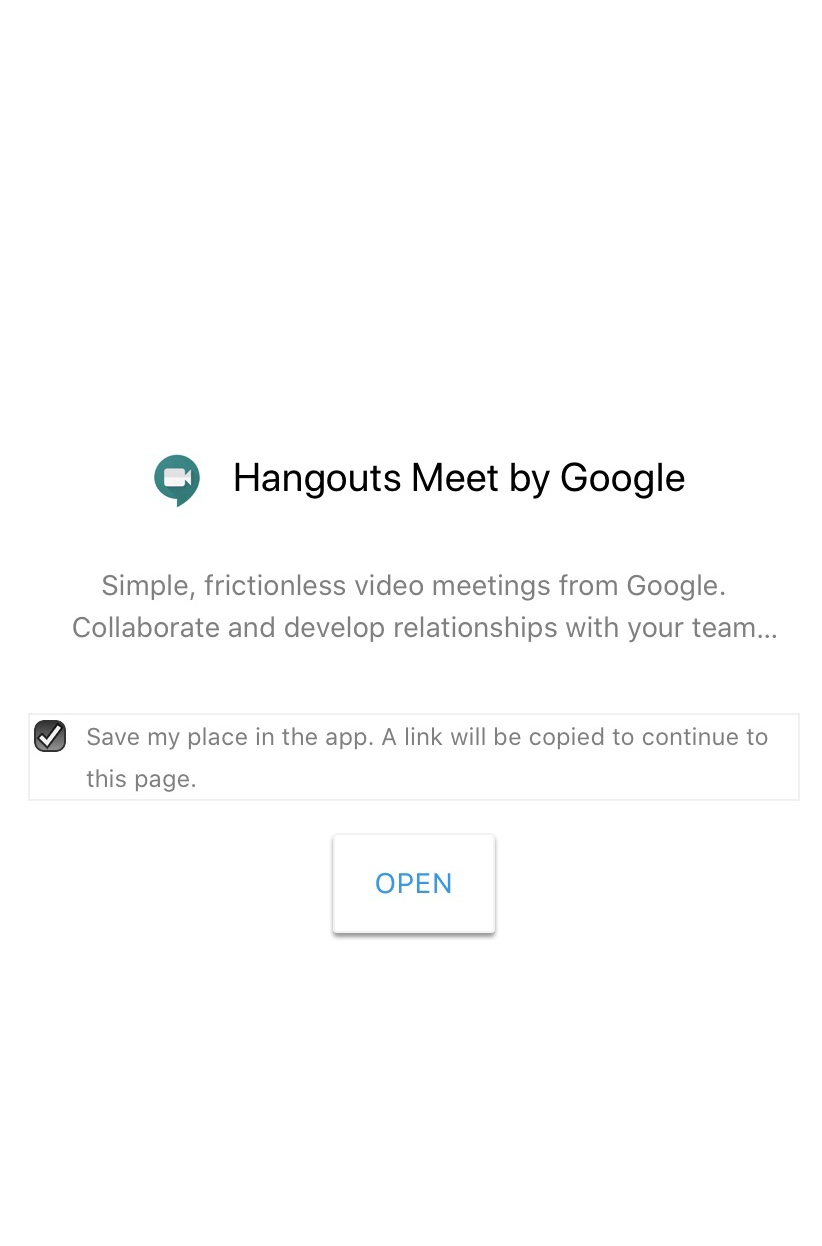
Get the Hangouts Meet by Google App. “Get” and then “Open”

Then click “Open”

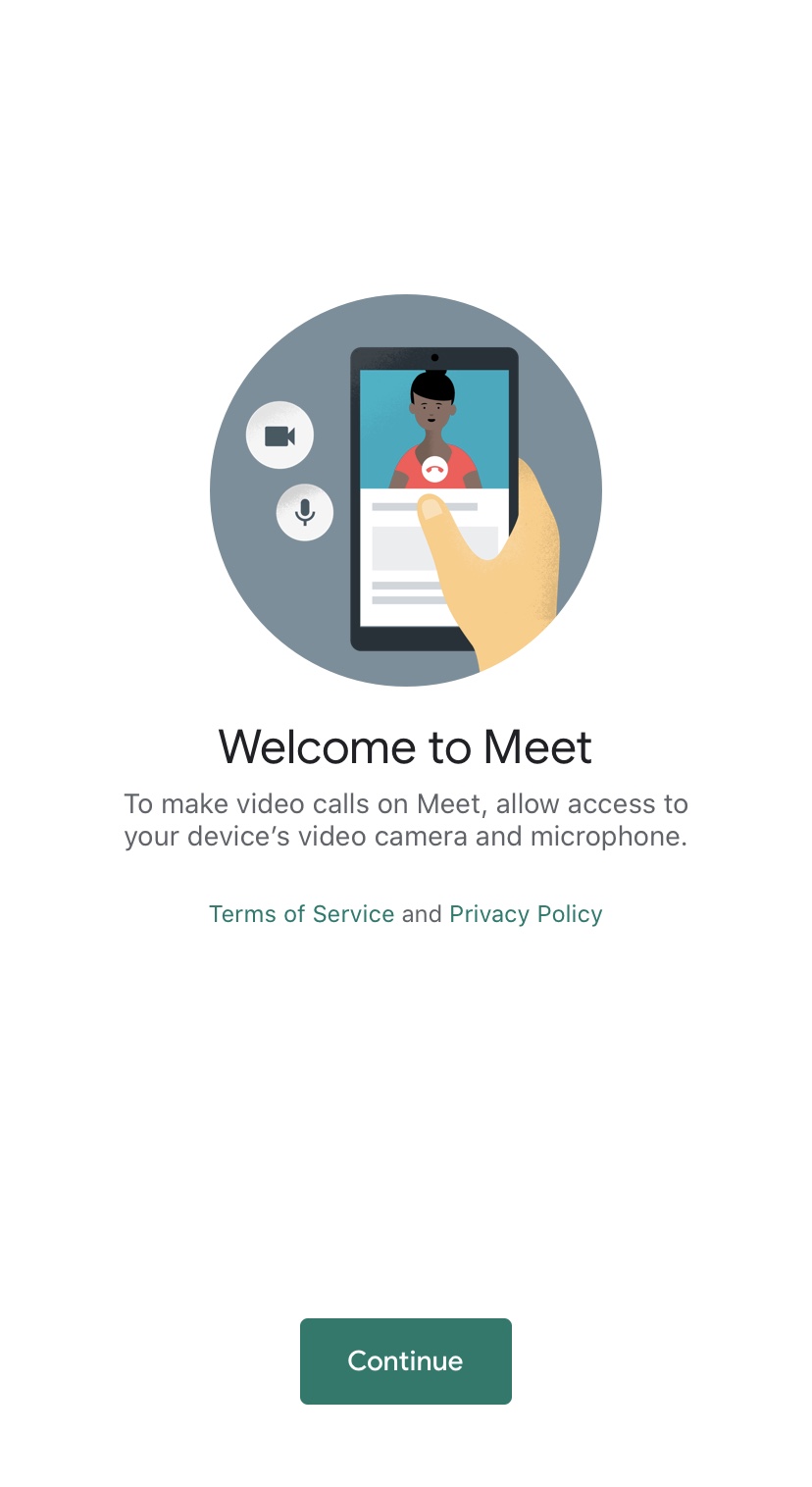
Press “Continue” and then enable video and microphone so you can hear and see me. Click “OK”.
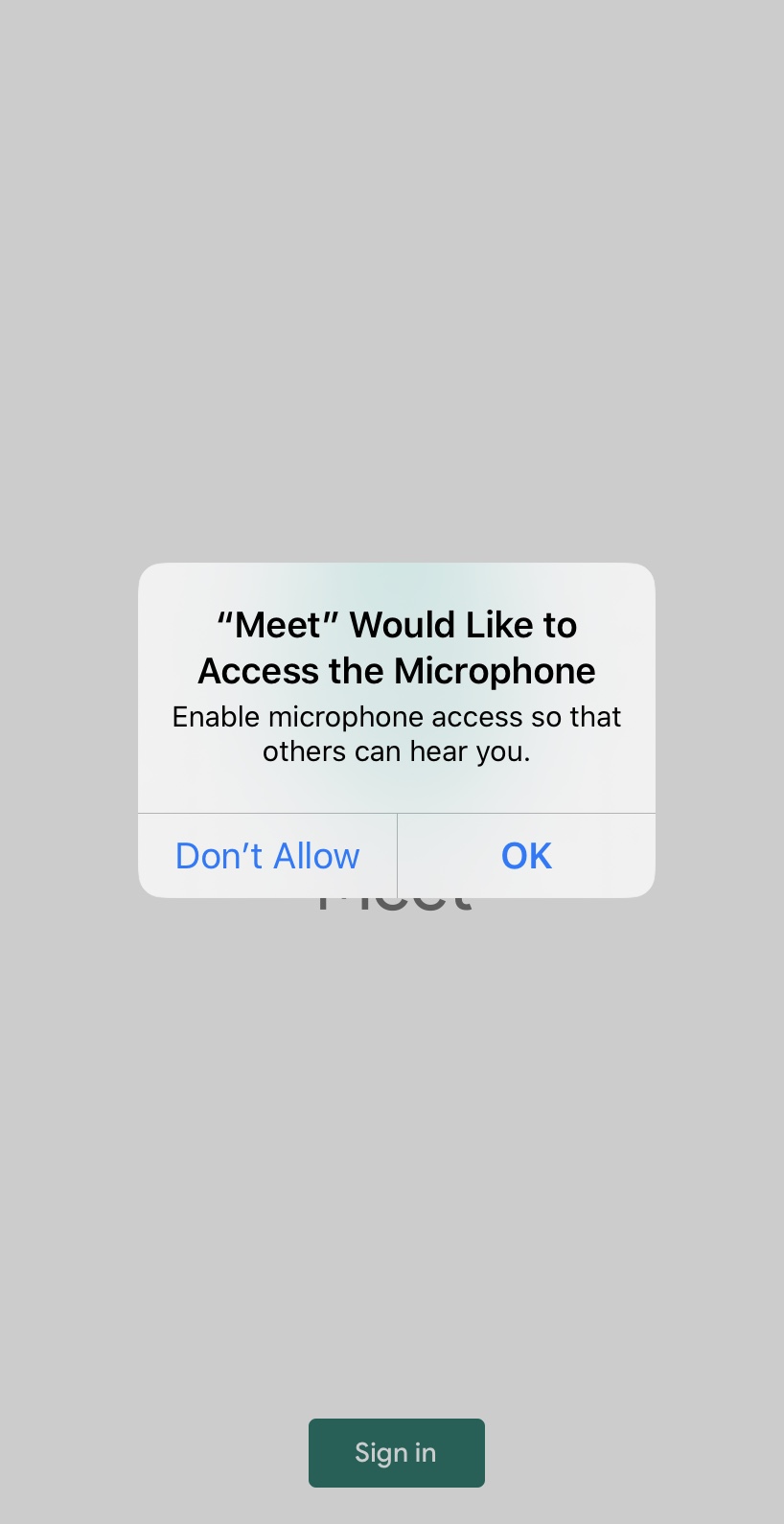
And then you are in.
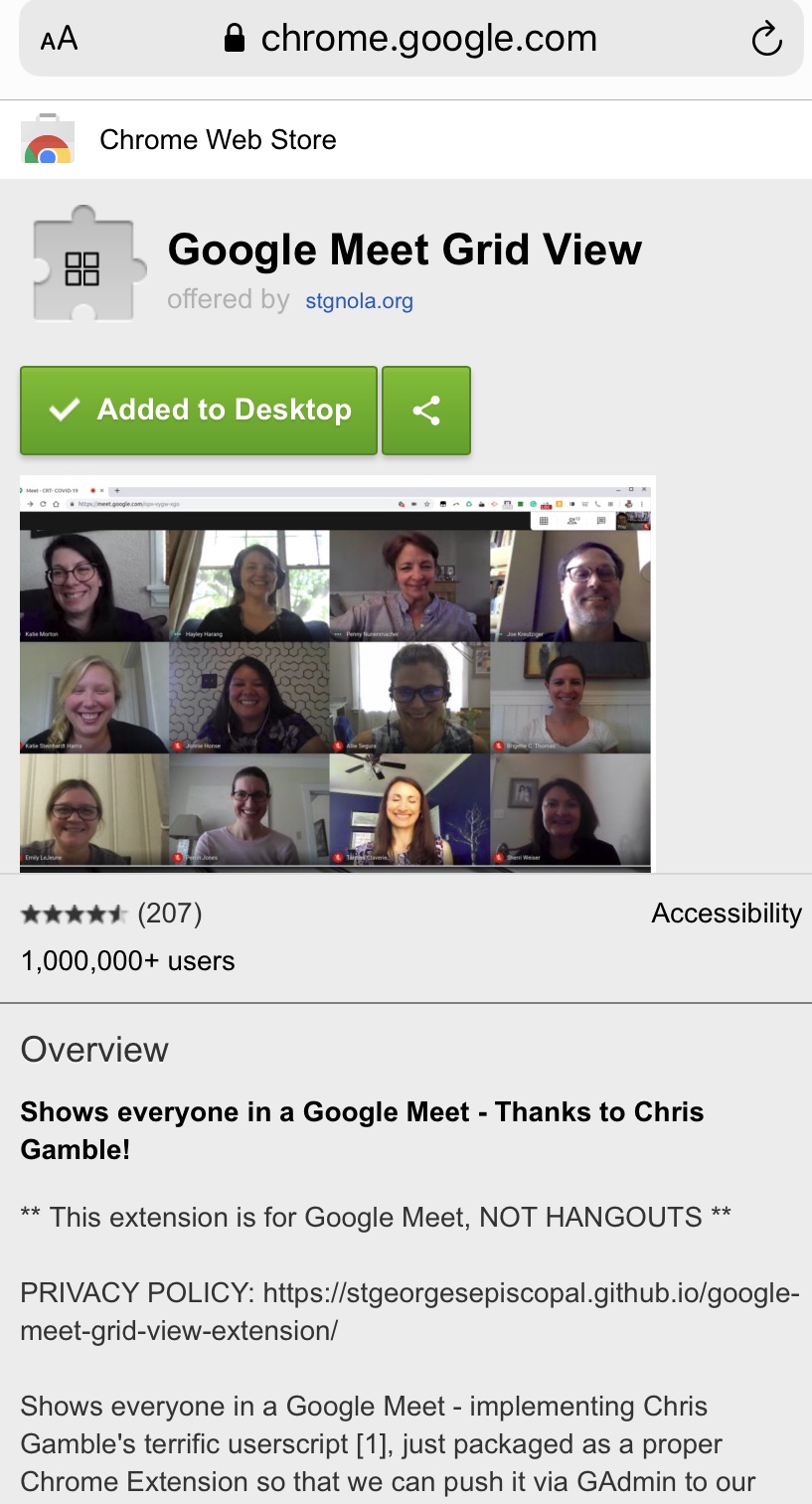
If you want to see all of the people you can add a grid view extension via chrome: ‘Google Meet Grid View” And add it to your desktop.
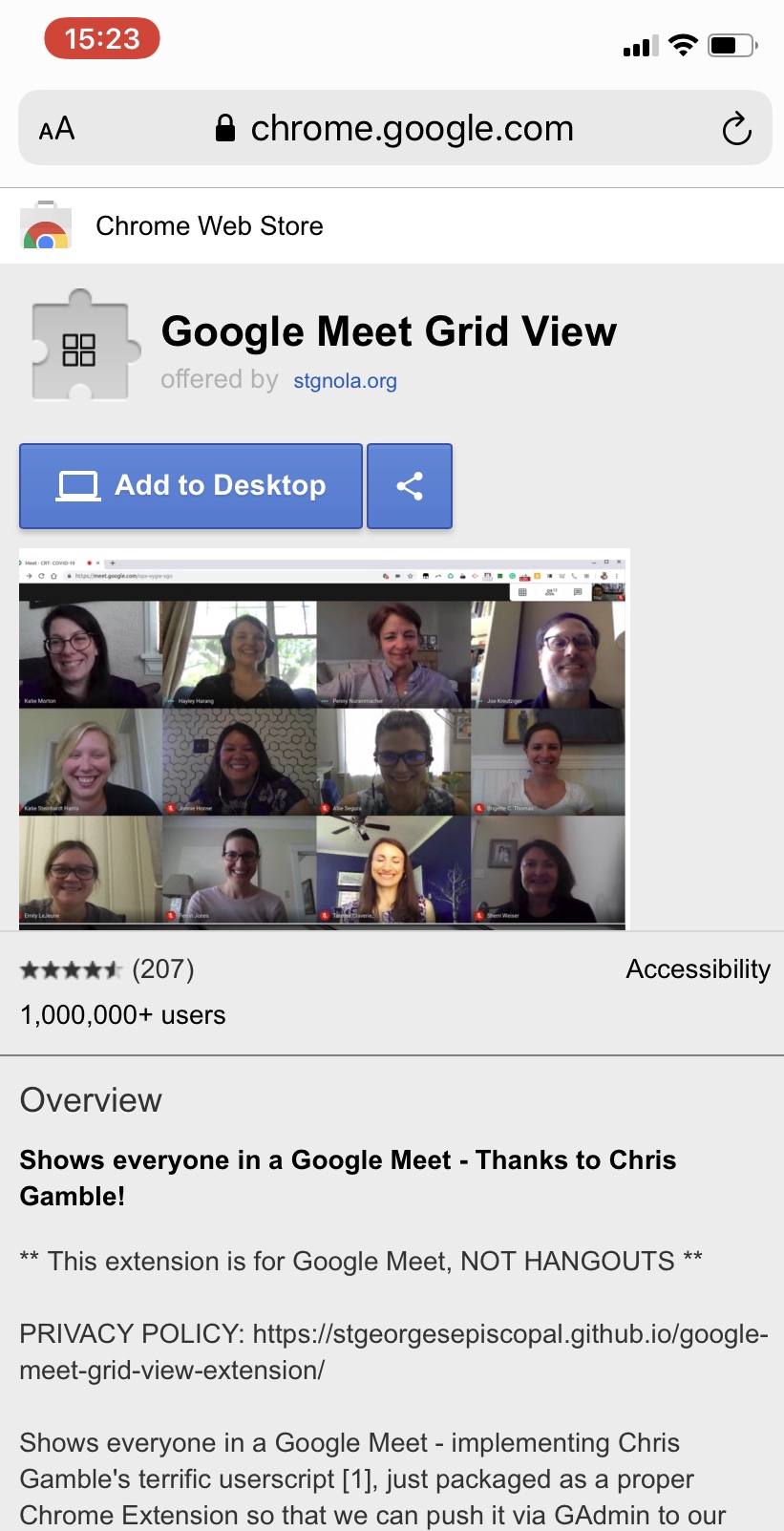
You will see everyone in a grid. Try it on your laptop, tablet, Imac or phone. Let me know if you are having problems and I will try and get you online.